
Reviews
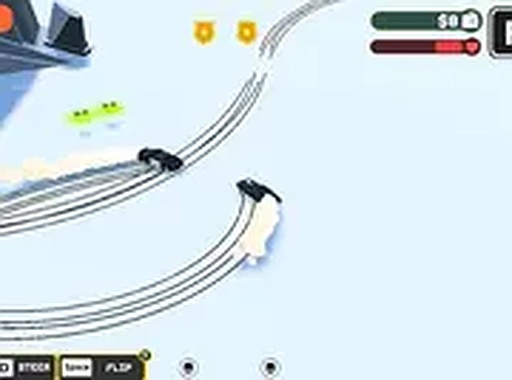
Drift Away Driving Challenge is a well-designed car drifting game that emphasizes precise cornering and timing. The controls are intuitive, and the tracks provide a good variety of challenges. It runs smoothly in browsers on both phone and PC, with no downloads needed. The flip move adds an extra layer of strategy for tighter turns. It is a great choice for quick play sessions or longer practice runs.
Description
Game Introduction
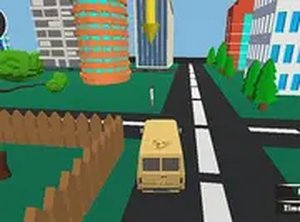
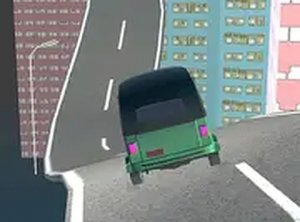
Drift Away Driving Challenge is a fast-paced car drifting game that focuses on smooth cornering and precise control. Players navigate a series of challenging tracks, each requiring careful timing to perform perfect drifts. The game includes special flip moves for tighter turns, adding depth to the driving experience. With its clean visuals and responsive handling, Drift Away Driving Challenge provides an accessible yet rewarding challenge for casual and experienced players alike. It runs directly in your browser on both phone and computer, with no downloads required.
How to Play
To play Drift Away Driving Challenge, use your keyboard arrow keys or touch controls to steer your car. Approach a corner, then tap the handbrake to initiate a drift. Release the brake as you exit the turn to regain speed. For tighter corners, use the flip move by pressing the designated button at the right moment. Practice on each track to improve your timing and control. The game also offers a full-screen mode for a more focused experience.
Game Features
Fast-paced drifting gameplay. Responsive keyboard and touch controls. Immersive visual design. Free to play on phone and PC. No downloads or installations needed. Full-screen mode available for enhanced focus.
Tips for Success
Drift Away Driving Challenge is easy to pick up but offers room to improve. Each track presents a new challenge, making it ideal for short breaks or longer practice sessions. The simple controls and clear feedback help you learn at your own pace.
Comments
Sign in to comment
You must be logged in before posting a review or rating.
No account? Create one
No comments yet. Be the first to comment!